 Buying a HubSpot license is often seen as the turning point for scaling businesses. You sign the contract, envisioning a seamless flow of leads, automated sales handoffs, and beautiful dashboards. But six months in, for many businesses, the reality looks very different.
Instead of a growth engine, your HubSpot portal feels like a cluttered garage. Data is messy, your team complains about the workflow, and that "single source of truth" you were promised is nowhere to be found.
If this sounds familiar, you aren't alone. According to HubSpot’s State of Sales Report, only 27% of sales representatives report consistently hitting their quota. While there are many factors in hitting targets, a major hidden culprit is often an under-optimized CRM. When your HubSpot portal isn't set up to support your team's process, hitting targets becomes an uphill battle.
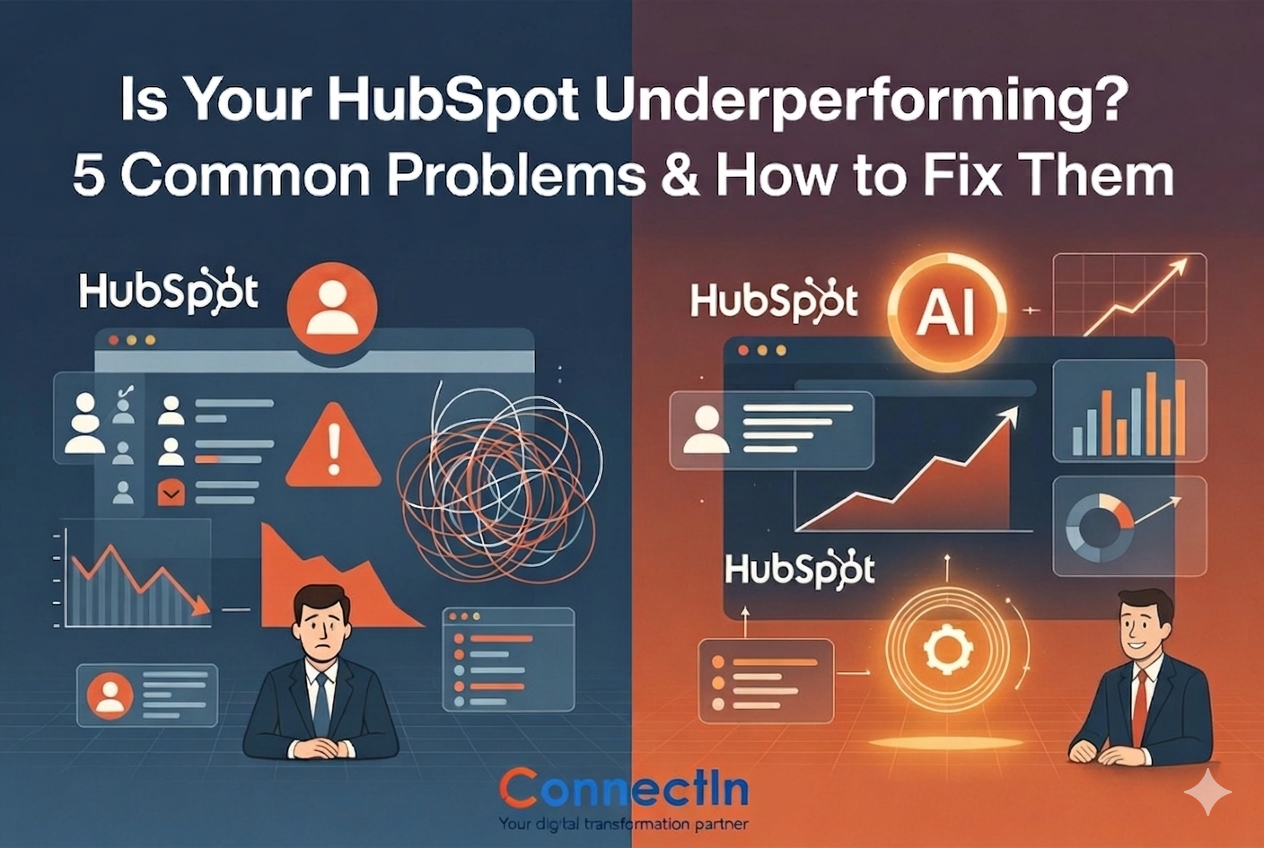
At ConnectIn, we often see the same five issues plague HubSpot portals. Here is how to diagnose them and, more importantly, how to fix them.
1. The "Data Swamp" Syndrome
 You likely have thousands of contacts, but how many are actually useful? A common frustration is a database bloated with duplicate records, outdated emails, and unsegmented lists.
The Consequence: Your marketing emails have low deliverability rates, and your sales team wastes time calling dead leads.
The Fix: It starts with a data audit. You need to implement automated deduplication rules and establish a strict data hygiene protocol. At ConnectIn, we usually set up "operations dashboards" that flag incomplete contact records automatically, ensuring your database remains a pristine asset rather than a liability.
2. Marketing and Sales Misalignment
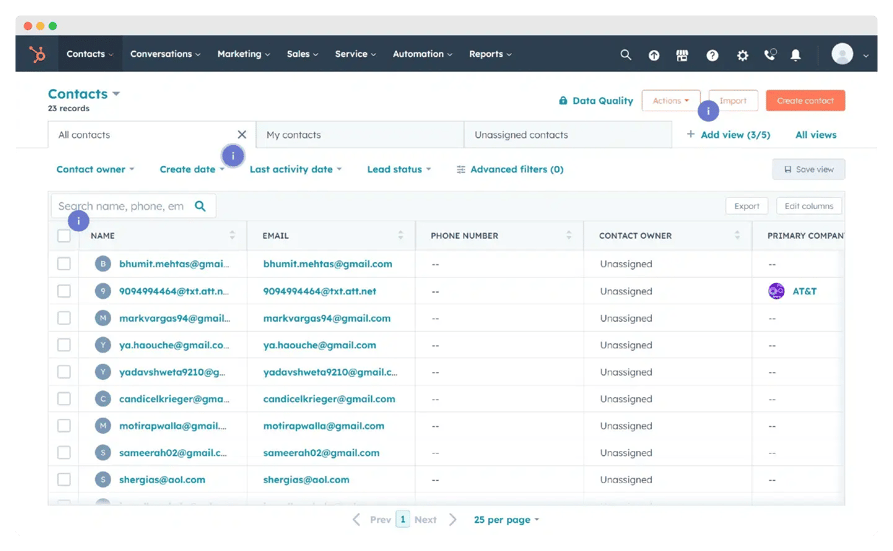 Your marketing team is generating "leads," but your sales team calls them "junk." This classic disconnect happens when the definition of a "Marketing Qualified Lead" (MQL) isn't agreed upon inside HubSpot.
The Consequence: Marketing celebrates high volume, while Sales ignores the CRM entirely.
The Fix: You need a "Lead Handoff Agreement" coded directly into your workflows. This involves creating specific lifecycle stage definitions and lead scoring systems that force a qualification step before a lead ever reaches a sales rep's queue.
3. The "Black Hole" of Reporting
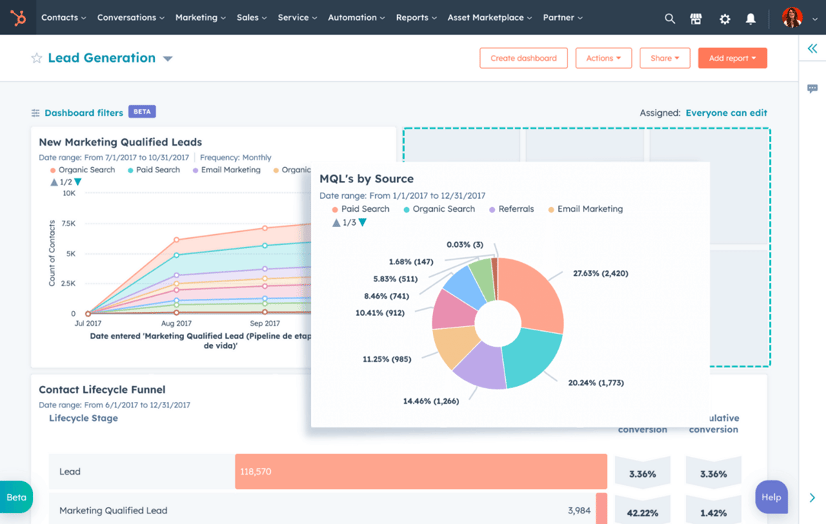
You have dashboards, but do they tell a story? Many users build reports that look impressive but fail to answer the most important question: What should we do next?
The Consequence: Leadership makes decisions based on vanity metrics rather than revenue attribution.
The Fix: Stop reporting on activities; start reporting on outcomes. We recommend building a "Revenue Engine" dashboard that tracks the full funnel. Better yet, leverage HubSpot’s AI features to generate insights instantly. Instead of building complex custom reports, you can now ask natural language questions (e.g., "Show me deals closed last month by industry") directly in the platform.
4. The "AI Blind Spot" (Underutilizing New Tech)
 Many businesses pay for HubSpot but ignore the recent explosion of AI features. They are still manually writing email copy, creating reports from scratch, or manually logging notes.
The Consequence: Your team is working harder than necessary, missing out on the speed and personalization that competitors are likely using.
The Fix: Embrace the new Content Assistant and ChatSpot tools. Use AI to draft follow-up emails, generate blog outlines, or summarize contact activities before a sales call. According to HubSpot’s State of AI Report, marketers using generative AI save an average of 3+ hours per piece of content. That is time your sales team can spend selling and your marketing team can spend strategizing.
5. Low Team Adoption
The software is only as good as the people using it. If your sales team prefers their spreadsheets over the HubSpot CRM, your system is broken.
The Consequence: Incomplete data, missed follow-ups, and wasted subscription costs.
The Fix: Adoption usually fails because the process is too complex. Simplify the deal stages, remove mandatory fields that aren't necessary, and provide training. Focus the training on the "wins", show them how AI tools can summarize a client's history in seconds, or how mobile notifications help them catch hot leads on the go.
Turning Frustration into ROI
HubSpot is an incredibly powerful platform, but it is not a "set it and forget it" tool. It requires regular maintenance, optimization, and strategic alignment to perform.
If you recognized your business in any of the five points above, it might be time to stop troubleshooting alone and start leveraging the platform the way it was designed.
Ready to Fix Your Foundation?
Most underperforming portals are the result of a rushed or incomplete initial setup. It’s not too late to get it right. ConnectIn’s HubSpot Onboarding Services go beyond the basics, we align your teams, clean your data, and configure AI tools to ensure your investment starts paying off immediately.
Click here to learn more about our HubSpot Onboarding Packages.